ALEKS® Math & Chemistry Remote Proctoring
ALEKS course products integrate with remote proctoring tools to ensure academic integrity with LockDown Browser® and Respondus Monitor®.
| URI: | /content/experience-fragments/mhecomm/us/en/site/global-nav/master/_jcr_content/root/container/container/xf_proxy.nocloudconfigs.ttl.html |
|---|---|
| STATUS: | 429 |
| MESSAGE: | Too Many Requests |
| SERVLET: | org.apache.felix.http.base.internal.dispatch.DispatcherServlet-7ef1526f |

ALEKS course products integrate with remote proctoring tools to ensure academic integrity with LockDown Browser® and Respondus Monitor®.


Use these documents to learn more about Respondus Monitor and LockDown Browser, help your students get set up for tests and quizzes, and help you integrate remote proctoring tools into your course.
Review this document for answers to common instructor questions around ALEKS remote proctoring tools.
Includes:
• Respondus Integration and Settings in ALEKS
• How to Enable LockDown Browser and Respondus Monitor
• Student view
• How to Review Student Activity
Provide this guide to your students to get them up and running before Knowledge Checks, quizzes or tests administered with Respondus Monitor.
Includes:
• Step-by-step instructions
• Technical difficulty resources and contacts
• Compatible device checklist
• Payment informationR
Mary Merchant shares best practices with implementing Respondus Monitor in her ALEKS course.
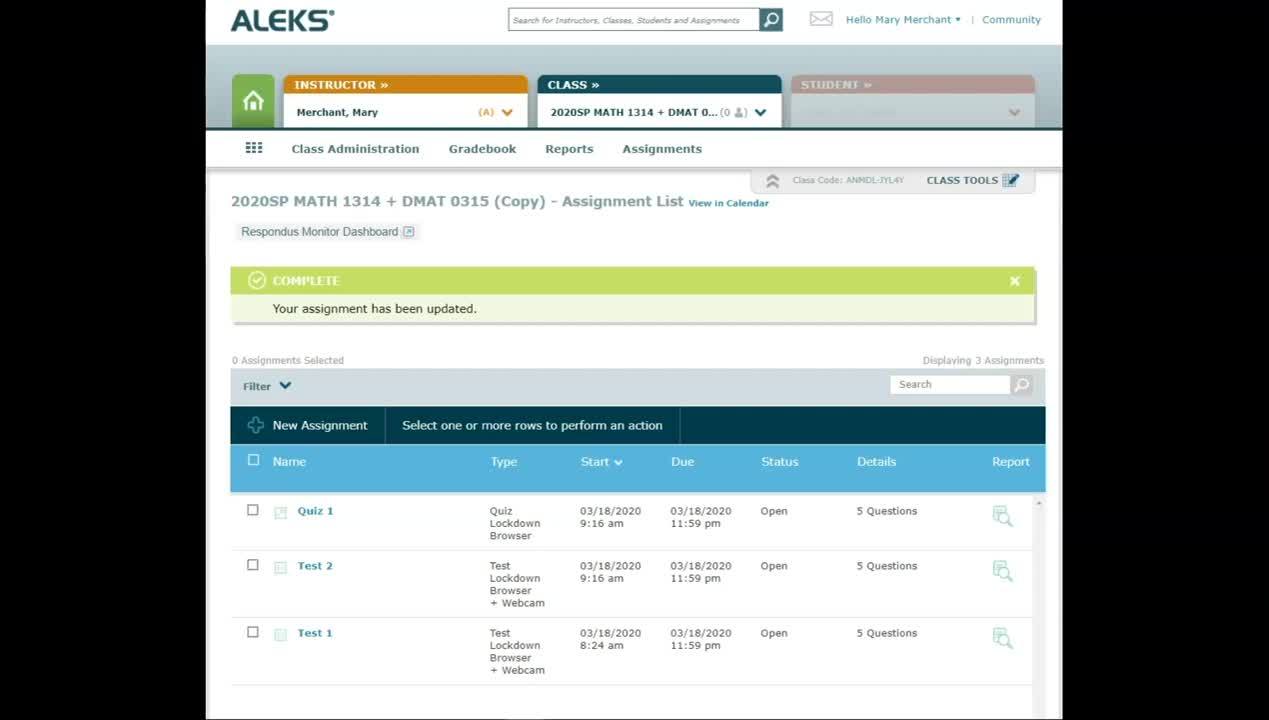
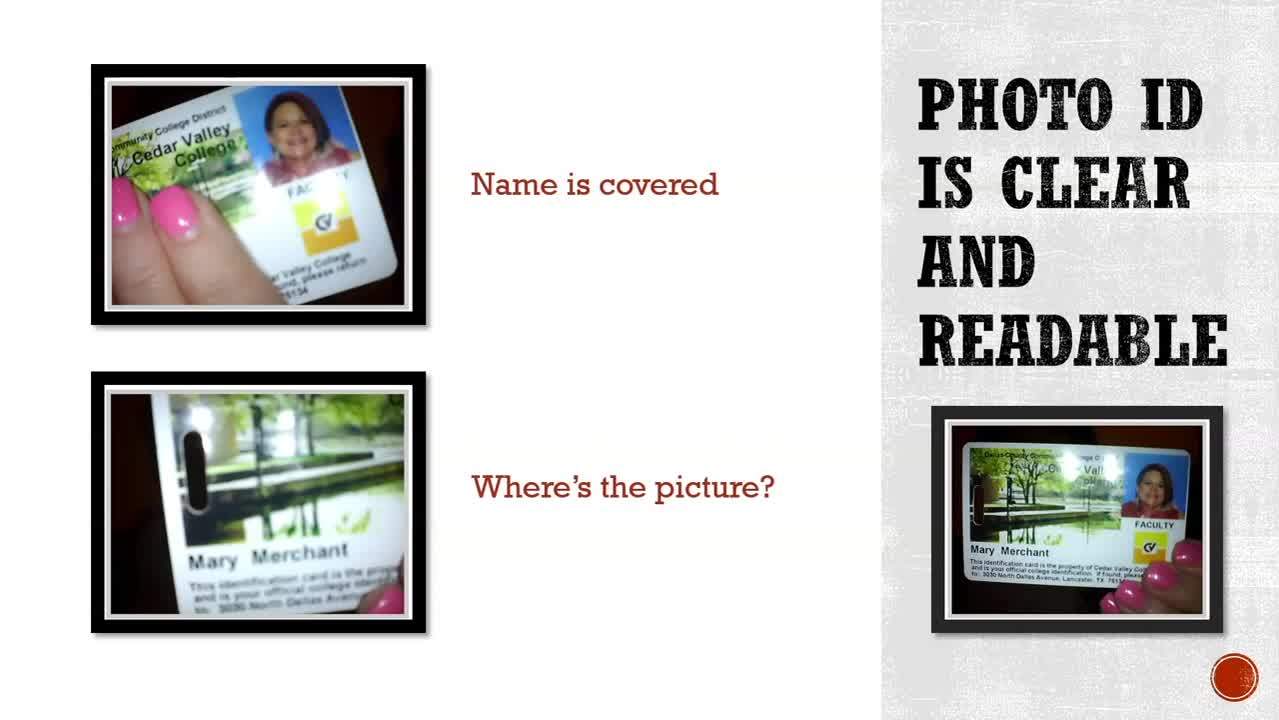
See how remote proctoring can help your course, with these self guided demos.
| URI: | /content/experience-fragments/mhecomm/us/en/site/footer/footer-higher-ed-new/_jcr_content/root/container/container/xf_proxy.nocloudconfigs.ttl.html |
|---|---|
| STATUS: | 429 |
| MESSAGE: | Too Many Requests |
| SERVLET: | org.apache.felix.http.base.internal.dispatch.DispatcherServlet-7ef1526f |